


Lets get the obvious out of the way. Nothing beats sitting around the table with your homies, buzzed off a few beers, a little smoke in the air, cracking jokes, and building worlds together. Alas, times change...we have kids, we move out of town, we have work obligations and other weekend plans and hobbies to fulfill.
I have a toddler, another kid on the way, work, dinner to cook, workouts, weekend family activities, reading, and multitudes of other hobbies (painting Warhammer models, board games, video games, tinkering), There is simply not enough time for all of this...I have to make....concessions...how the hell can I make time for a twice a month, long format campaign?
Disclaimer: I still write out my ideas by hand in a notebook first, but I let LLMs handle the filing and paperwork. I use Claude and ChatGPT to speed up prep time and post game documentation. I needed to use these tools for work so I wouldn’t lose my job, so I tried using them in a space that I enjoy. This is my experience in using these tools for TTRPGs.
Goals
Rekindle my love for TTRPGs in a virtual environment
Long running campaign without GM or player burnout
Keep 5 busy adults actively engaged for a few hours
Cut down on prep time and post game documentation
No tools or services that require subscriptions
Minimize the number of accounts my players need to create
Self host if I can and be conscious about data privacy
The Tools
Tabletop Simulator
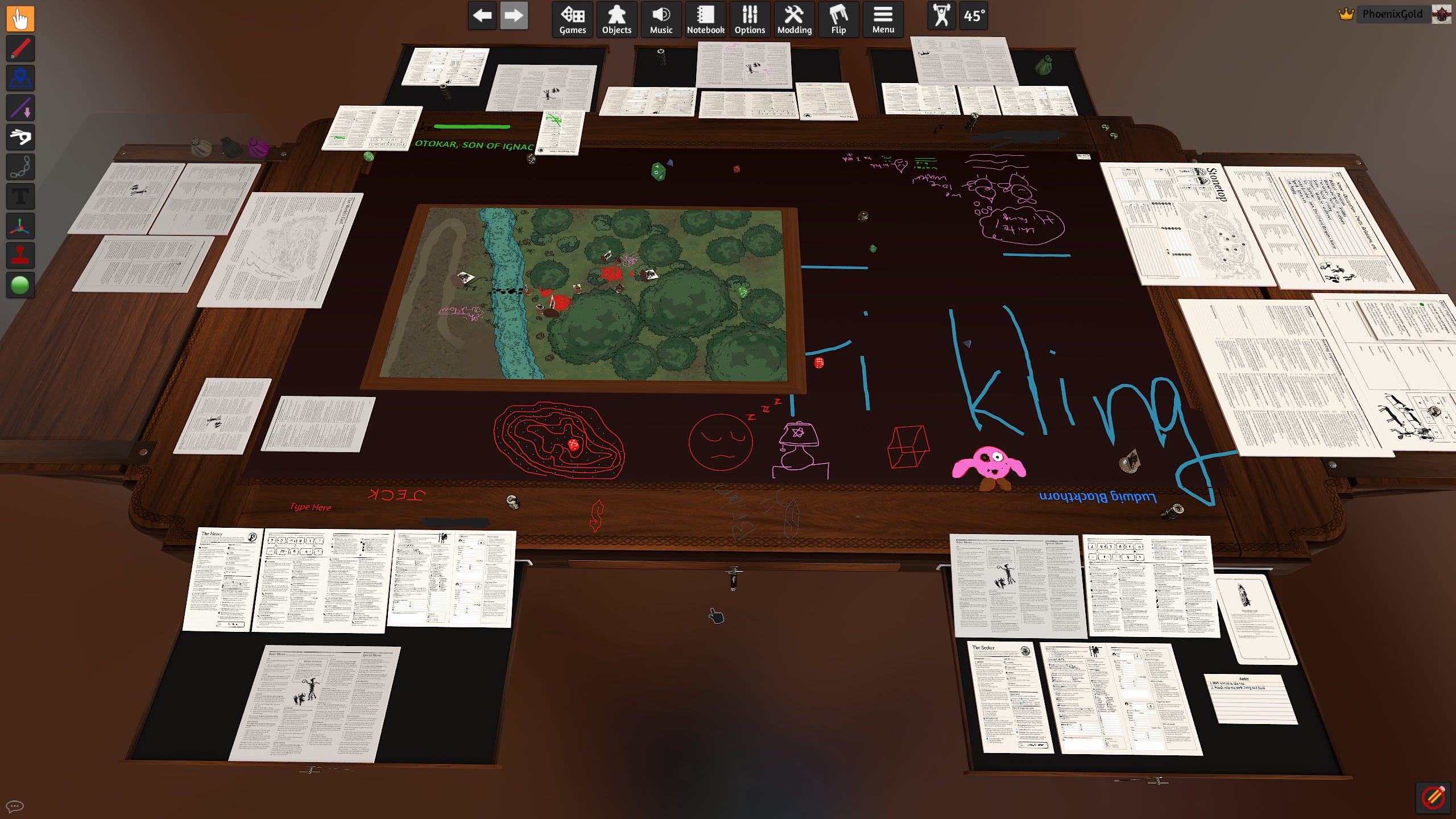
You hardly ever see this recommended for TTRPGs, but it is actually fantastic. Easy to setup, import custom assets, and maintain. My players love it and it keeps them engaged. Every sheet, dice, token, map, or component is an interactive object that you can move, flip, or fling. You can draw directly on the table or any sheet. You can save the state of player sheets (with all their marks and writing on it) in a big and quickly pull them into next session. The one downside is that writing notes within Tabletop Simulator is absolute garbage and unreliable...so hold on to your notebooks.
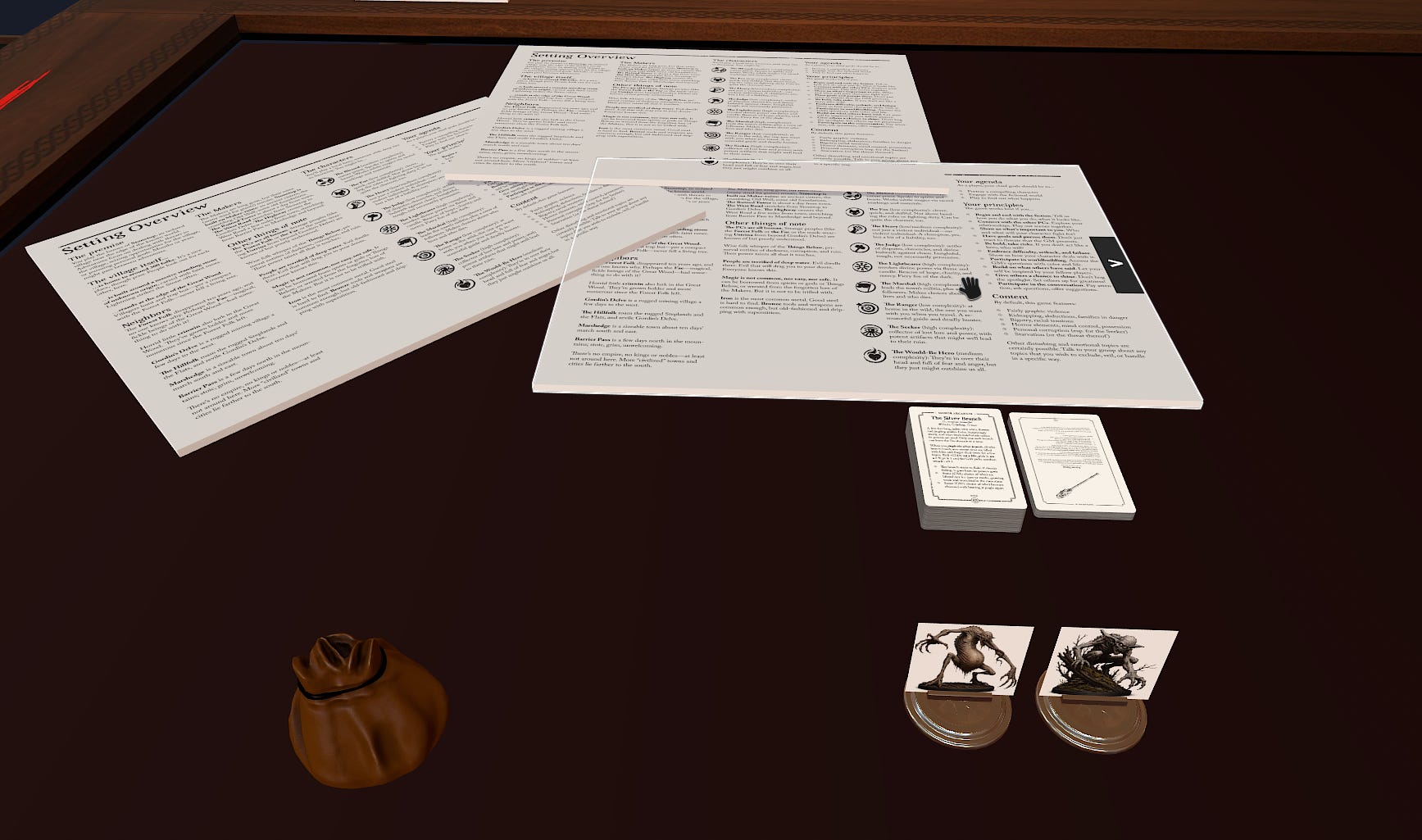
Here’s a post game screenshot of one of our Stonetop sessions.
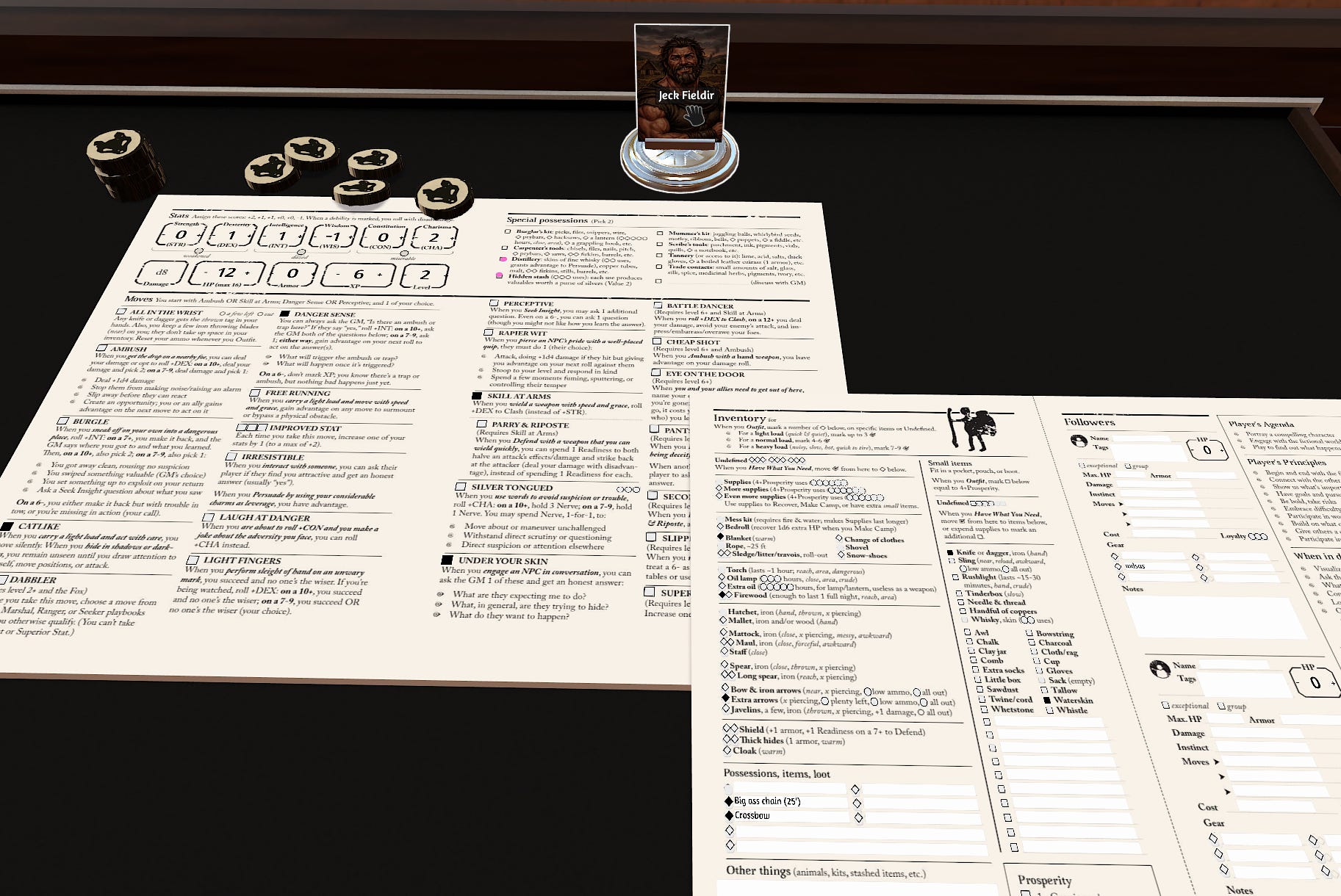
Interactive player sheets - You can stamp these fields onto your player sheets without needing any knowledge of scripting making it easy for players to check boxes, increment stat values, type in new gear/items.
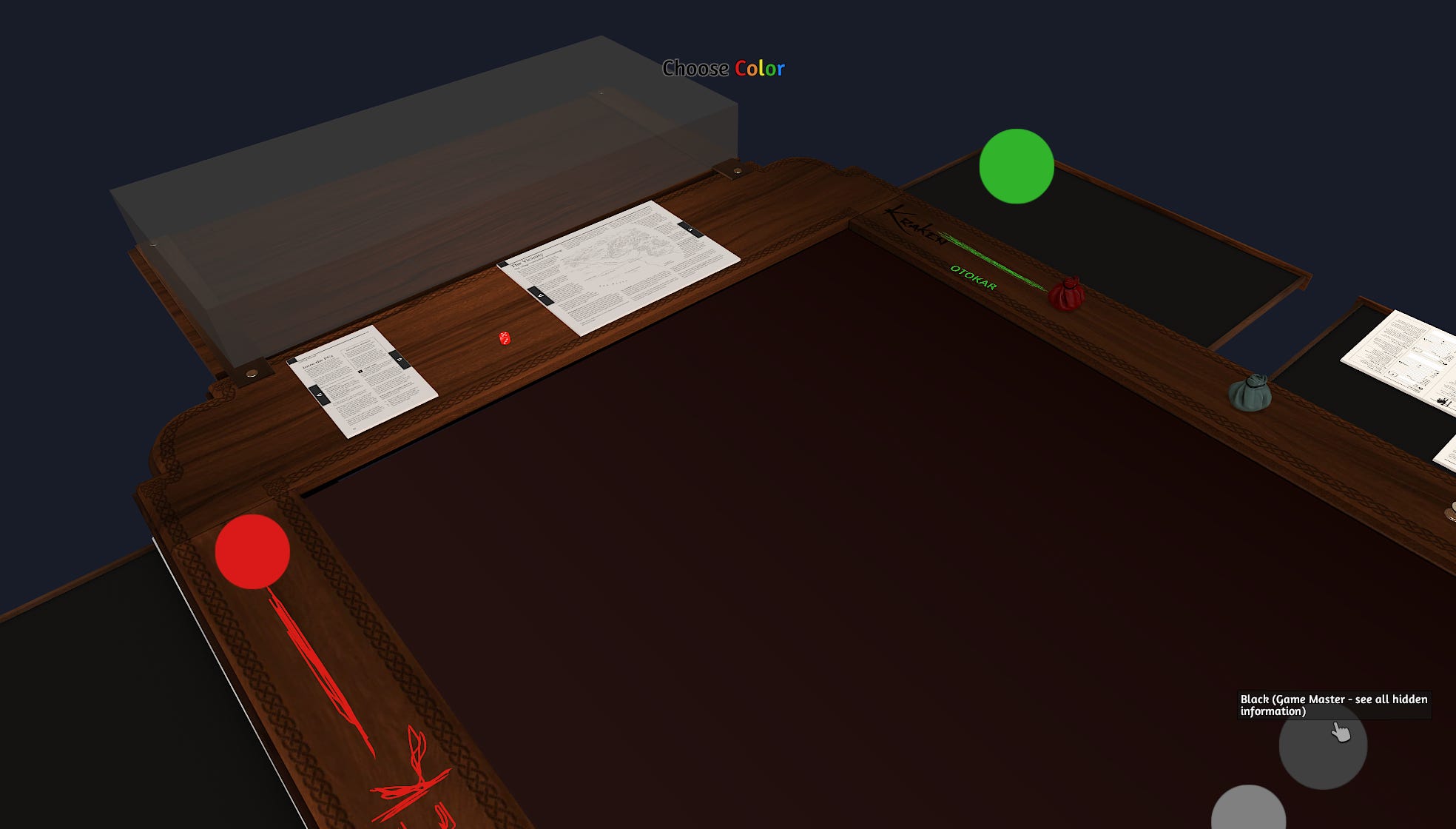
Hidden GM zone - A 3d GM screen that you can hide all your traps, monsters, and other GM secrets in here and your player’s won’t be able to see it.
Easy Import of custom assets - Import tokens, decks of cards, full PDFs. All of which you can copy and paste around the table.
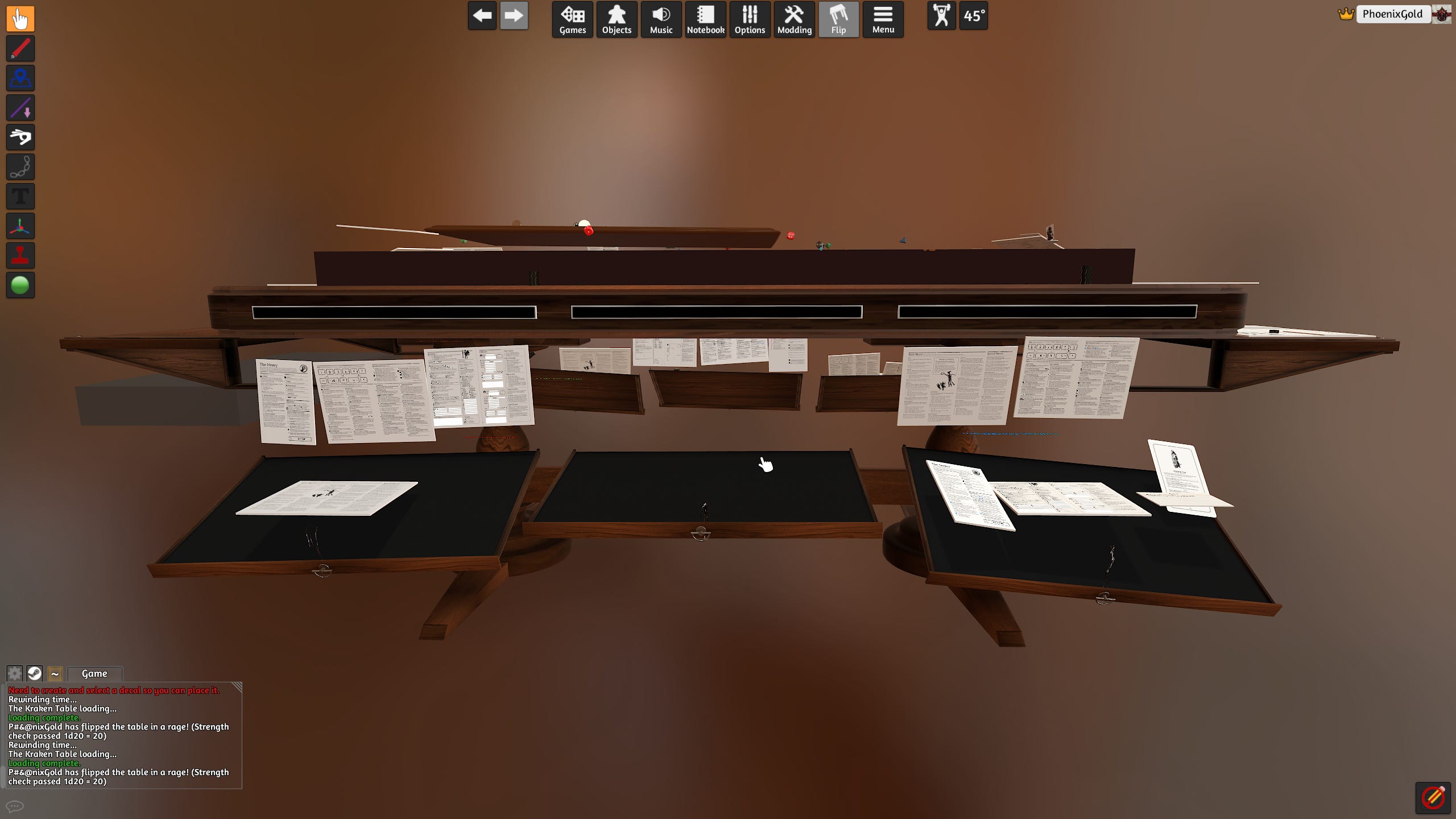
Oh and yeah...the table can be flipped. It has become customary for the player with the least amount of screen time to flip the table at the end of the night.
Discord
While I would prefer a different voice communications app, all of my players use it and there are two bots that I wanted to use. Both of the below bots run locally on my own computer during play.
Kenku FM - Ambient Music and Soundboard - A pay what you want and open source tool for sharing music and audio through discord. I setup a playlist and/or soundboard prior to playing. It can either play files stored my computer, or it can play audio from websites such as tabletopaudio.com or youtube. I stick to local files now. Youtube is great until a car insurance ad starts playing 20 minutes into your 3 hours of celtic forest ambience.
Craig Bot - Multi track audio recorder - Discord bot for recording per speaker audio and also open source. I use this to record our sessions and then transcribe it for my notes later. You can just go to their site and add the bot directly to your discord which is what I initially did. They seem to be a trustworthy company, but I didn’t want anyone other than me to have the audio files of my players. We were joking around the virtual table that by using Craig bot, we’re going to hear an AI generated commercial one day with one of our voices in it. Since it’s’ open source, I just cloned the repo and implemented it locally. Its new name? Skelebot. So now I fully own my player’s voices and nobody else does.


Obsidian
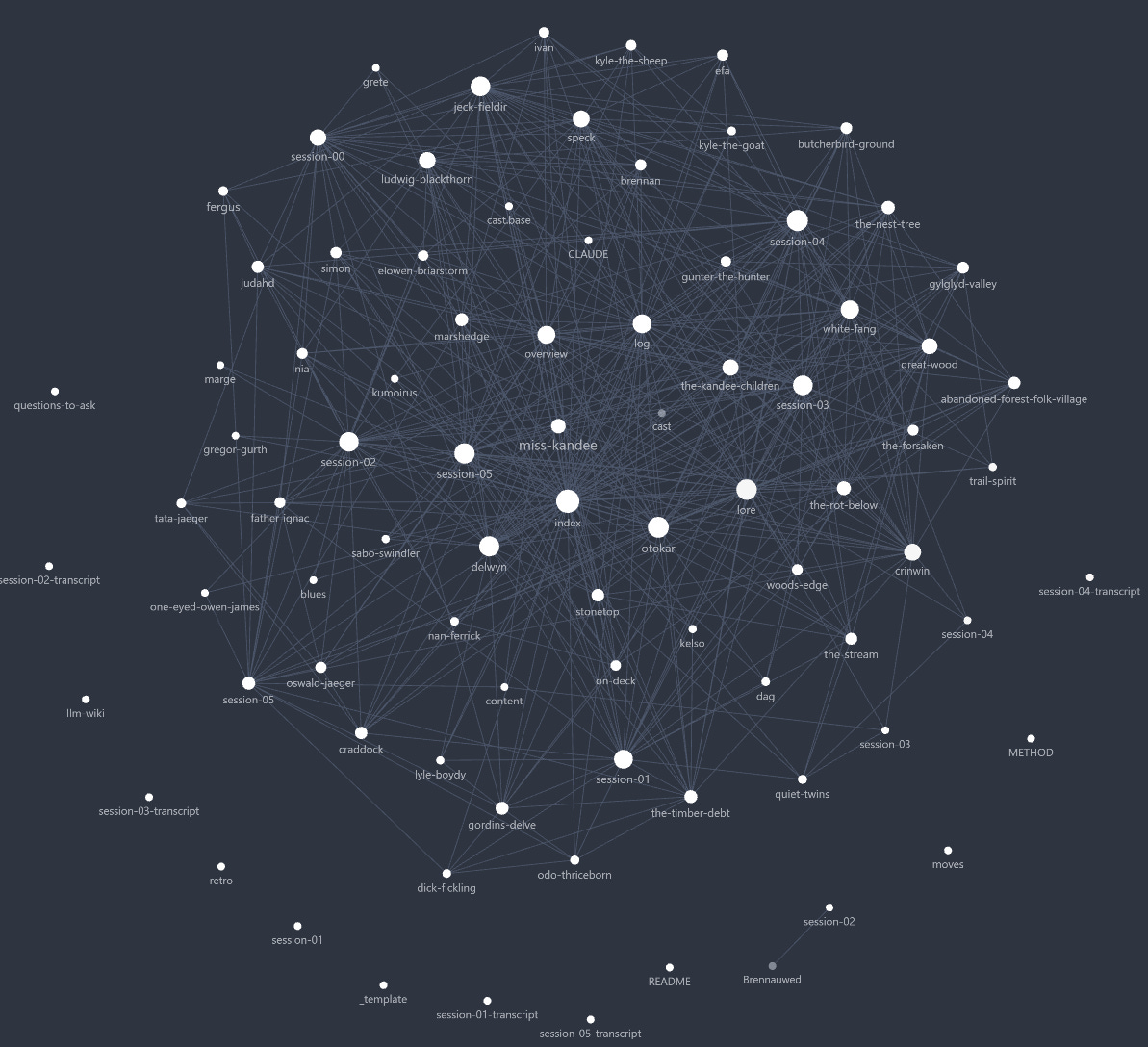
Session Notes and Campaign Wiki - I like the simplicity of a directory of markdown files and they play well with LLMs. Never mind all the second brain bullshit you see on youtube. Don’t let anyone try to convince you that this graph view is useful in any way, shape or form.
Claude Code
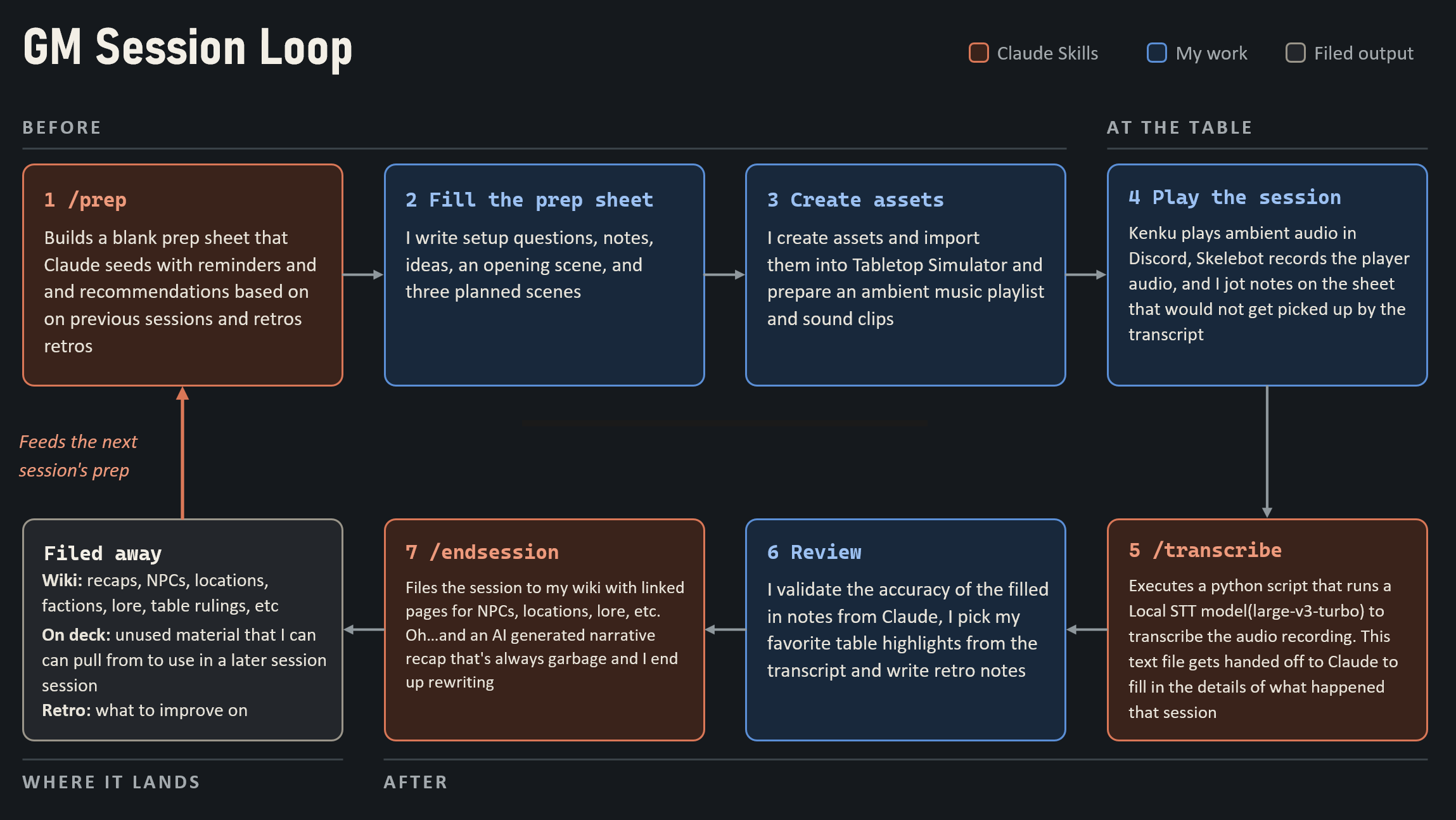
I may lose some of you with this, but this really helps cut down on my prep time, after session book keeping and helps with organization. I keep the creative writing as my own and offload the busy work to the LLM. There is a ton to unpack here that deserves its own post, but below is my flow with the skills I created. It works great.
The Flow
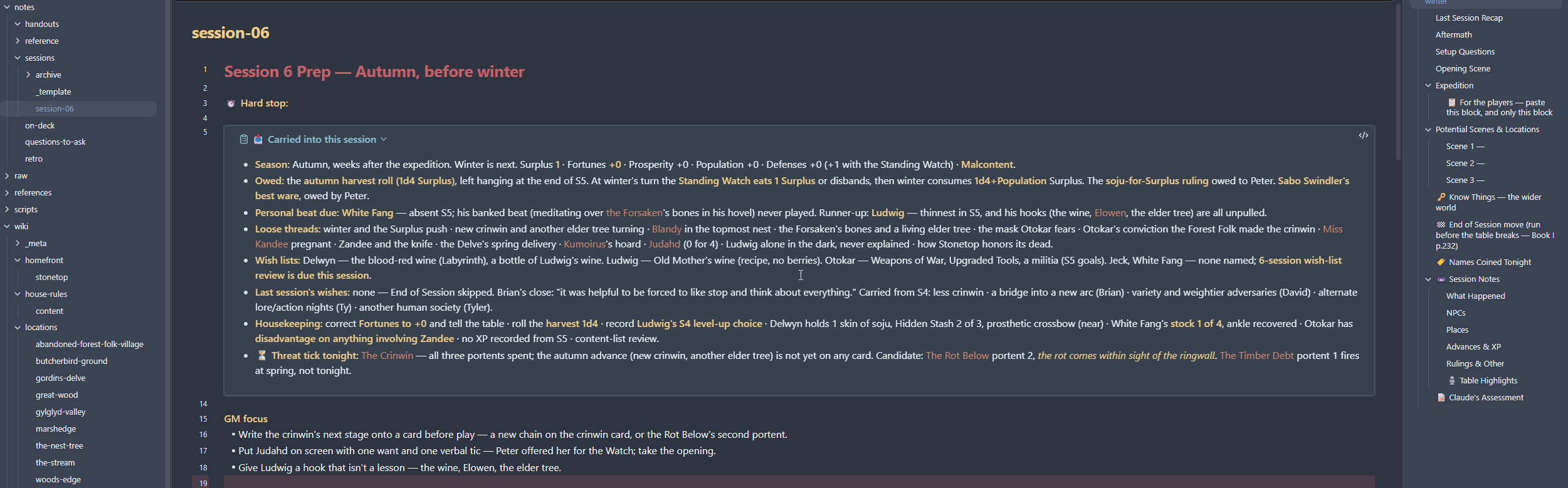
Example of a fresh /prep sheet - Claude is still too wordy, but this info is useful, especially if it has been a while since our last session. The left side panel is my wiki structure and the right side panel is the prep sheet layout.
A couple examples after a session and running /transcribe. This ‘What Happened’ section is the source of truth for the wiki, so I make sure it is right before /endsession.

My player’s are loving the ‘Table Highlights’ that I provide with the narrative recap. Fun recounting of the important or funny bits of the session. The idea here is Claude attempts to list as many is it can, then I go through and I check the ones I like and it files those away and archives the rest.

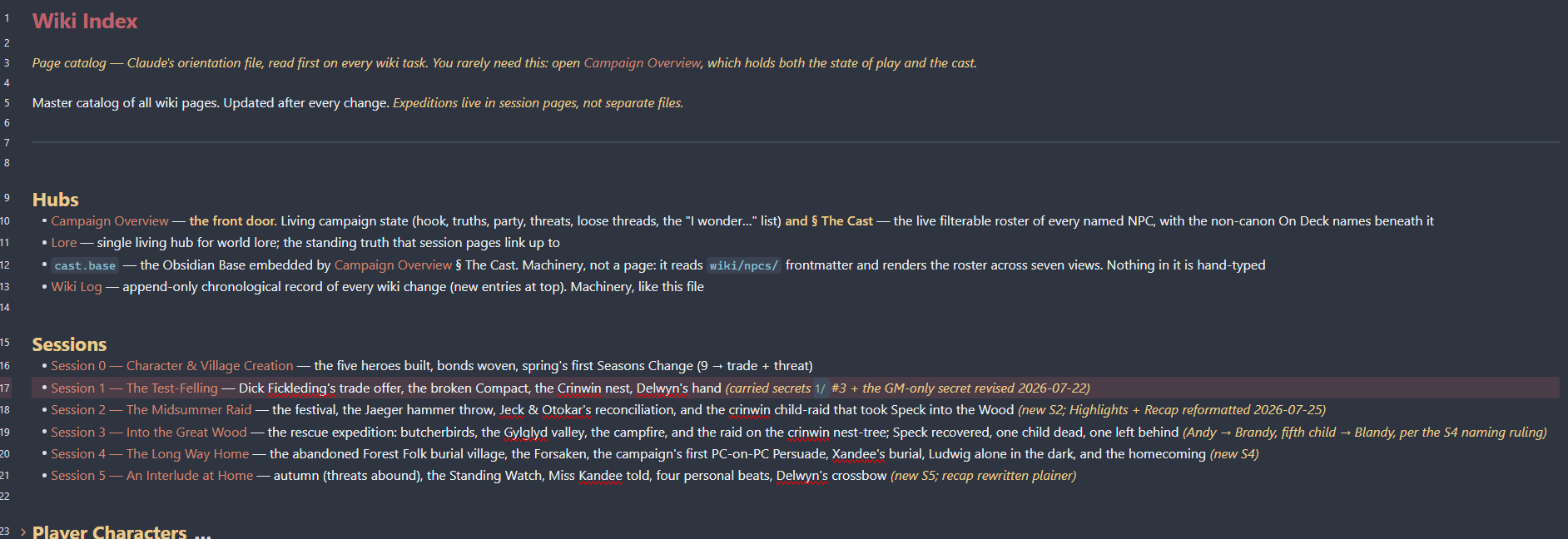
/endsession will file the session sheet into my wiki, create pages for NPCs, locations, threats, lore, house rules, etc. Below is the index page that Claude maintains. Each link takes you to a separate page. A lot of extra information, but most of it is useful information.
Goal Review
⚠️ Rekindle my love for TTRPGs in a virtual environment
I almost marked this as a win, then I remembered...my dad offered me a bottle of wine from his rack as he was collecting too many bottles from his weekly Costco trips. I said “sure dad, I have a game night with the boys this weekend that I’ll save this for.” his reply was “who’s house are you meeting up at?” I said “no dad, we’re meeting up online.”....”oh so you’re drinking alone then son?” Absolutely destroyed...thanks dad. So yeah, not quite as fun as meeting up in person, but still a great time.
✅ Long running campaign without GM or player burnout
We’re moving steadily along at session 6, not quite a qualifier for a long campaign, but the longest I have run yet. The reduced prep time and post game documentation really keep me motivated to continue.
✅ Keep 5 busy adults actively engaged for a few hours
My players love the interactivity in tabletop simulator more so than other VTTs we’ve tried in the past. Throwing dice, flipping coins, drawing on the table, drawing from a deck of cards. They also enjoy the ambient music and soundboard clips that I play them through Kenku.
✅ Cut down on prep time and post game documentation
This is my biggest win and helps avoid burnout. I used to loath documenting what happens after a game. Especially since we meet late on Friday’s at 8pm and our sessions can run until 1am. It was impossible for me to document right after sessions. Then I wake up and immediately go into dad mode for the weekend and won’t get around to documentation until a few days later. So, I end up forgetting what happened. Now documentation happens in about 20-30min and I can get a narrative recap out to my players before I go to bed.
⚠️ No tools or services that require subscriptions
This is mostly a win. No subscriptions needed for any tools in the TTRPG space. I have the $20 Claude subscription which I use for many other things and is more than enough for this workflow.
✅ Minimize the number of accounts my players need to create
Another win here since my players already have Steam accounts for Tabletop Simulator and Discord accounts.
⚠️ Self host if I can and be conscious about data privacy
The voice recording bot is self hosted through a docker container, Kenku is self hosted in an app, speech to text transcription is handled via a python script that uses a faster-whisper local model on my PC, so nobody but me owns my player’s voices. Claude is the outlier and will still read the transcription and all my campaign notes...so that is my next solve...
Where do I go from here?
I will continue building out these tools to fit my needs. It has been a fun experiment that I would like to continue tuning. I would like to phase out Claude and replace it with some local LLMs, however I am not sure if I have a powerful enough system to do that yet. I think I’ll be able to keep this campaign going for a while this time around.